Finishing Digital Art Faster: Simple Habits That Help You Actually Complete Pieces
If your iPad is full of half finished sketches, you don't need more talent. You need a plan that gets you to the finish line. When you're serious about finishing digital art, speed comes from making fewer decisions mid piece, and completing more work overall.
This matters even more if you want to sell digital products someday. Finished artwork turns into listings, bundles, and designs you can reuse, while unfinished files just sit in your apps forever. So let's get your ideas out of your head and into existence.
- Finishing digital art faster comes from simplifying your process, not drawing faster.
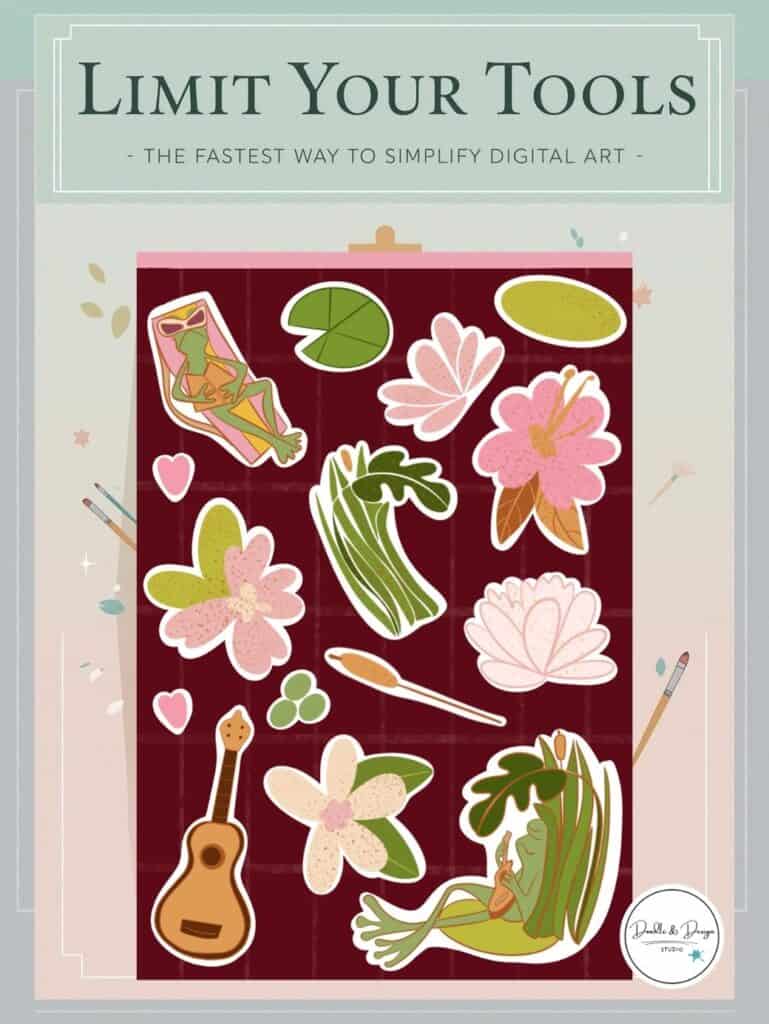
- Choose small projects like a single sticker or icon so you can complete the entire piece in one session.
- Use time limits for sketching, coloring, and shading to prevent overworking details.
- Limit your brushes and tools so you can repeat the same workflow every time.
- Make key decisions early to avoid perfection loops and unfinished files.
To finish digital art faster, simplify your workflow and focus on smaller projects. Choose one subject, limit your brushes, and set time limits for each stage of your drawing. Making decisions about colors, lighting, and tools before you start helps prevent perfectionism and keeps your artwork moving toward a finished piece.
Many artists finish more work by using a repeatable process such as sketching basic shapes, adding clean lines, applying flat colors, and finishing with simple shading or details. Practicing small, finishable projects like stickers or icons helps build speed naturally because you complete more full pieces instead of leaving sketches unfinished.
Table of Contents
How to Finish Digital Art Faster Without Rushing Your Drawing
Most artists think they need to get faster before they can start finishing their work.
But it actually works the other way around.
Speed comes from finishing pieces, not waiting until you're “good enough” to finish them.
When you practice completing artwork from start to finish, you start building a repeatable process. You learn how long sketches usually take, how you like to add color, and where you tend to get stuck. That awareness turns into confidence.
And confidence turns into momentum.
The real goal isn’t to draw faster. The goal is to stop restarting and actually complete more pieces.
A simple, repeatable routine will always beat a chaotic “try everything” drawing session. When you follow the same general steps each time, your brain doesn’t have to make a hundred new decisions every time you open Procreate.
So instead of trying to work faster, focus on finishing on purpose. The goal here is not perfection. It’s completing a piece you can learn from, share, or eventually turn into a product. When finishing becomes your main skill, your speed improves naturally because you stop restarting and re-deciding every step.
This is the same approach I teach across Doodle and Design Studio in my blog tutorials, free guides, YouTube lessons, and in my membership, where I help beginner artists finish their artwork and turn those drawings into digital products, stickers, and print-on-demand designs they can actually sell.
Pick a project that's small enough to finish today
The fastest way to finish is by choosing something that won't take “14 business days.” Big projects are fun, but they are also the easiest way to stall out, especially when you're still learning.
You've probably done some version of this. You sit down to draw a sticker, then you decide you need a whole sticker sheet. Then you decide you need a new brush pack. Then you test brushes for 40 minutes. Suddenly, you're tired and nothing is finished.
Use the one sticker rule to make it finishable
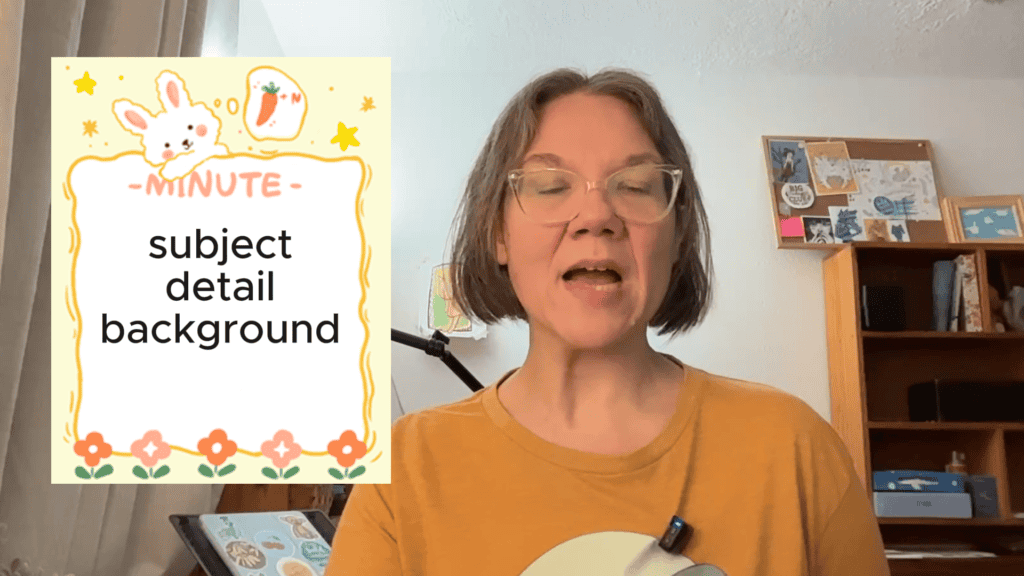
So instead, choose a project with built in limits. One subject. One main detail. Then decide if it has a background or no background. That's it. Those decisions keep you from turning a small idea into a full time job.
Here's a quick example to make it real. If you're drawing one sticker, you can pick:
- One subject (example, a frog, a flower, a cozy mug)
- One main detail (example, a heart, a hat, a label)
- Background or no background (choose one)
That's it. You're not limiting your creativity, you're protecting your finish line. That tiny plan does something important, it reduces decisions. When you reduce decisions, you stop stalling out.
If you want a few Procreate features that help you draw faster without adding complexity, use Procreate tools to draw faster. The goal is fewer steps, not more options.
Time box each stage so you don't drift
Once you've picked a finishable idea, the next habit is the one that feels scary at first, set a timer for every stage. Not because you need to rush, but because timers stop you from drifting.
Think of it like packing for a trip. If you give yourself all day, it somehow takes all day. If you give yourself 20 minutes, you make faster choices and move on.
Break your piece into stages, then give each stage a rough time box. Use your phone, Alexa, or even the oven timer. It might make you a little anxious at first. Still, it also helps you get something done.
Here's a simple time plan you can copy:
| Stage | Time box |
|---|---|
| Sketch | 10 to 20 minutes |
| Line art (if you use it) | 15 to 30 minutes |
| Flat colors | 10 to 20 minutes |
| Light and shadow | 15 to 20 minutes |
| Final tweaks | 5 to 10 minutes |
If a stage runs long, you don't “fail.” You notice it, then adjust next time. That's how you build a process you can trust. The takeaway is not that you must hit these times perfectly. The point is that each phase gets a beginning and an end. When the timer goes off, you make a decision. You move forward, even if it's not perfect.
If you want to be faster, you need fewer “one more minute” moments. Timers create a clean exit ramp.
If you notice you always run long in one stage, that's useful info. It tells you where to simplify next time, or where a repeatable shortcut could help.
have you joined the art to income: create & Sell digital products facebook group?
If you’ve ever said, “I want to draw digitally, but I have no idea where to start,” this is your sign.
We learn Procreate tricks, share designs, celebrate tiny wins, and cheer each other on as we start selling what we make.
💕Join Us on Facebook✨
Start messy on purpose
If you wait to feel ready, you'll redraw the same “almost sketch” forever. A faster process starts with giving yourself permission to be messy on purpose.
Your early sketch is for exploring. It's for getting the idea out of your head and onto the canvas. That means it can look weird. It can be lopsided. It can be full of scratchy lines. Messy is not a flaw, it's the starting place.
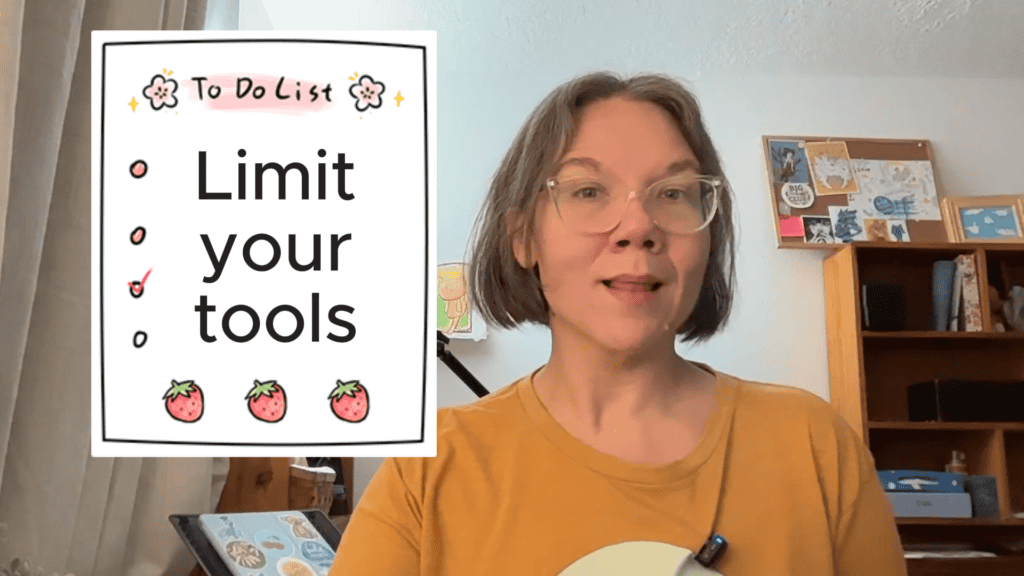
Limit your tools, then repeat the same process
If you have 200 brushes, your brain will want to test 197 of them. That's normal, but it slows you down.
Choose your brushes before you start. Pick one to three and commit for the whole piece. You can always play with new tools later, but switching constantly resets your focus.
Next, rely on a simple routine so you're not inventing a workflow every time:
- Big shapes, messy sketch
- Cleaner sketch or line art
- Flat colors
- Shading and lighting (only if it fits the piece)
- Texture, accents, small details
Repetition is where speed shows up, because you stop rebooting your brain every session. If you want a practice approach built around repeating on purpose, use focused repetition to improve digital art faster. If your art keeps looking a little flat while you're trying to finish faster, it's usually not a talent issue.
It's often a small setup problem, like low contrast values or brush overload. This is worth bookmarking for quick fixes, digital art mistakes that make Procreate art look flat.
Just starting out? Check out How to Make Your First Digital Sticker in Procreate (In 10 Minutes!)
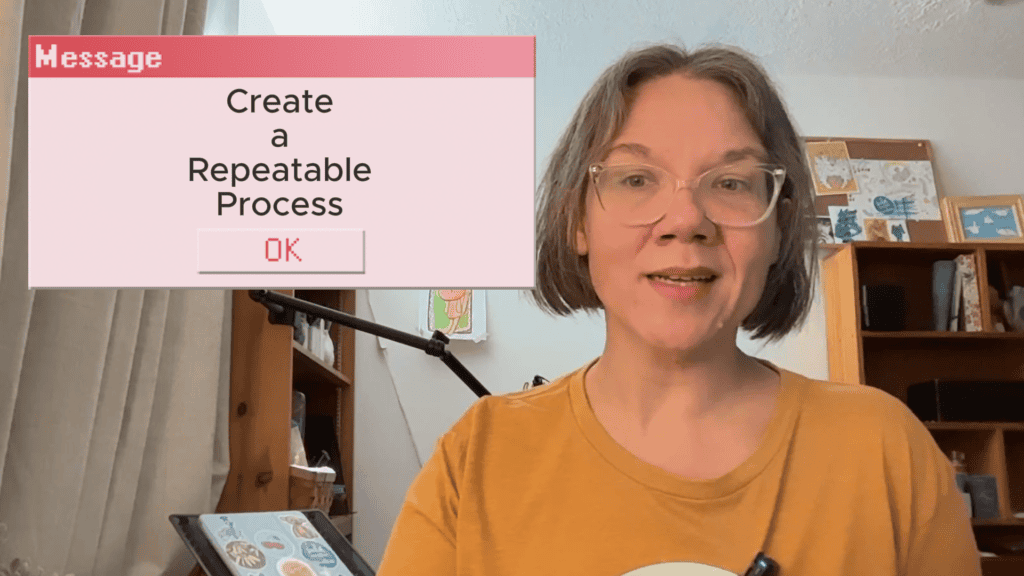
Make decisions early, use references, and avoid the perfection loop
A lot of unfinished art comes from redeciding mid-sketch. Try locking in your key choices up front: lighting direction, brush set, color palette, and focal point. One easy trick is making a quick “plan” layer where you scribble notes (like which brushes you are using) or color swatches, so you can stop debating and start drawing.
References also save time. If you can't remember a pose or basic anatomy, put a reference right on your screen. You'll draw more confidently, and you'll spend less time guessing.
Before you get deep into the drawing, lock in a few basics:
- Where the light comes from
- Your color palette
- Which brushes you're using
- Where you want the viewer's eye to land
- Do you have your references
You do want to correct real problems, like proportions that make the piece unreadable, or colors that look unintentional. However, you don't want to get stuck polishing tiny details forever. A helpful rule is 70 percent of your time on the focal point, and 30 percent on everything else.
“Good enough” means it reads clearly, the colors feel intentional, and nothing obvious is screaming for help.

If you’re overwhelmed, start here: Free Digital Drawing Guide
If Procreate still makes your brain glitch, and because it has cute drawing prompts, grab this: Digital Drawing without the Overwhelm. You’ll focus on a few simple tools, small finishable pieces, and building confidence without pressure.
Keep finishing momentum with prompts and a low pressure start
When you want to make more art without spiraling, you need easy starts. Cynthia put together a free beginner guide designed for those “I want to draw but my brain is loud” days. It's built around starting small, starting messy, and building confidence through finished pieces, plus a set of drawing prompts to keep you moving.
Grab the beginner digital drawing guide for reducing drawing overwhelm, then pick one prompt and commit to finishing it with the time boxes from above.
If you want step-by-step lessons, you can also check out Digital Doodles beginner drawing course
Digital art often takes longer when artists keep changing tools, colors, or ideas mid drawing. Choosing your subject, brushes, and palette before starting helps reduce decisions and speeds up your workflow.
The time depends on complexity, but many small illustrations or stickers can be completed in 30 to 90 minutes. Smaller projects help artists build speed and consistency.
Many artists choose projects that are too large or keep reworking tiny details. Breaking artwork into smaller steps and using time limits helps maintain momentum.
Yes. Many beginners start with simple products like stickers, clipart, or printable designs. Finishing small pieces consistently creates artwork that can later become digital products or listings.
You don't get faster by waiting for confidence. You get faster by choosing smaller ideas, setting timers, and finishing anyway. Once you practice finishing digital art consistently, your skills grow because you're making more complete reps, not perfecting one file forever. Finish one small piece today, then decide what you want to simplify even more tomorrow.

🎨 Art to Income Membership
Turn your doodles into dollars — one simple, sellable project at a time.
If you're staring at Procreate wondering how people go from drawing frogs in sweaters to actually selling stuff — you're not alone.
This membership helps you go from “where do I even start?” to having a finished product ready to list.
Each month you’ll get:
💖 One guided project to create and list a finished product
💖 Done-for-you assets to speed things up
💖 Trend + keyword ideas so you know what people are actually buying
💖 A supportive group of artists figuring it out right alongside you
💖 Listing and promo ideas so your art doesn’t just sit in a folder
You don’t need to be techy, trained, or totally “together” — just curious enough to try.
🎥 Prefer to learn by watching?
I’ve got a YouTube channel full of quick, no-pressure tutorials made for tired, creative souls like you.
Subscribe here and catch your next creativity boost, one sticker at a time.
Love and messy buns,
❤️
Cynthia McDonald
Helping women find creativity in the chaos — with stickers, stationery, and a little bit of fun
This post may contain affiliate links. I may earn a commission if you make a purchase at no extra cost to you.
Make sure and grab your favorite Pinterest Pin and Save it to your Digital Art Pinterest Board