Digital Products Not Selling? 7 Fixable Reasons Your Shop Is Quiet
You finally uploaded your digital products, posted a few times on social, sat back, and waited for that first cha-ching.
Instead, you got crickets. No favorites, no messages, no sales, just you refreshing your stats like it is a part-time job. Your digital products not selling!
Before you decide your art is trash and your shop is doomed, breathe.
Your work is probably more than good enough. What is usually broken are a few simple, fixable pieces in your shop setup.
Before you self-destruct, let's cover the basics. In this post, you will walk through the top reasons your digital products are not selling and what to do instead:
- You are not targeting search intent
- Your listing images are not selling the experience
- Your pricing feels off to buyers
- Your shop looks empty or inconsistent
- You have not built a simple traffic habit
- You gave up before your shop had a chance
- You have not built buyer confidence yet
Here is the video version if you like to watch while you doodle:
Table of Contents
Now let us dig into why your shop is quiet and how to wake it up without burning it all down.
Do Not Panic, It Is All Fixable
When a new shop is quiet, you usually jump straight to “my art is ugly” or “everyone else is better than me.”
That is not what is happening.
Your shop just needs:
- Clear messaging that matches what buyers actually type into search
- Photos that feel like , not cluttered screenshots
- Pricing that matches the value you are promising
- Enough listings to feel like a real store, not a half-finished shelf
- A tiny, repeatable traffic habit
- Time for search engines and humans to trust you
You can absolutely do all of this, even if you are juggling kids, a job, a chronic illness, and a brain that likes chaos more than structure. If you relate to that energy, you will probably love reading about Why I’m Turning My Art into Digital Products, because the same “work smarter not harder” thinking applies here too.
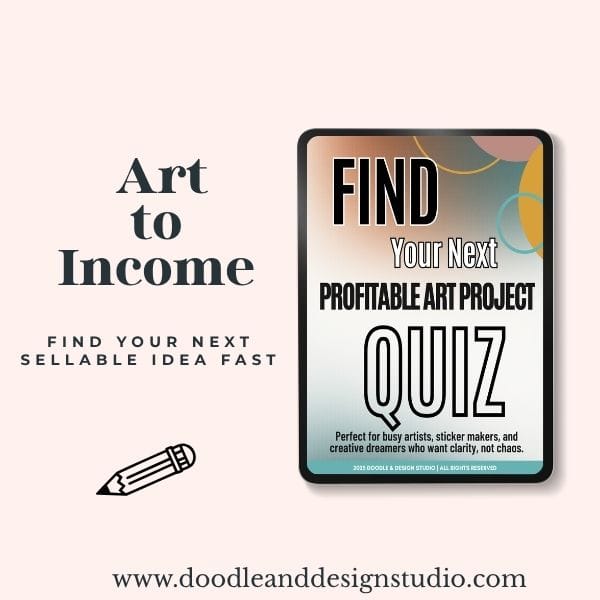
Grab the quiz and find your next art-to-income idea.
I created this quiz to help busy creatives cut through the noise, find focus fast, and feel confident about what to make next.
Reason 1: You Are Not Targeting Search Intent
The Problem
You can have the prettiest digital planner on Etsy, but if you name it something cute that no one is searching for, it will sit in the void.
You are probably in this situation right now:
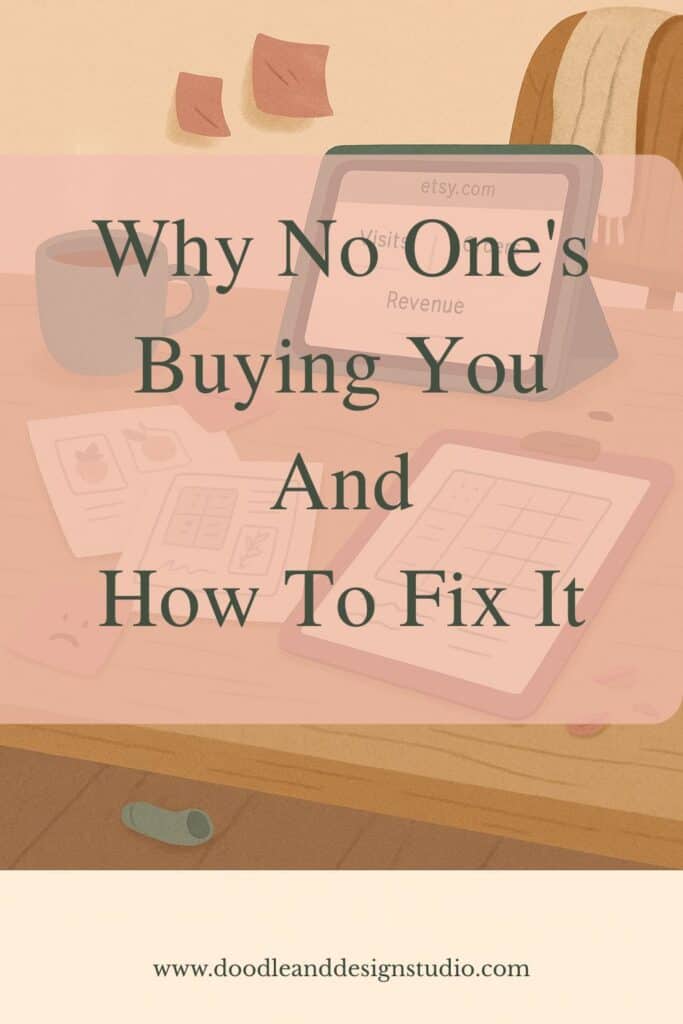
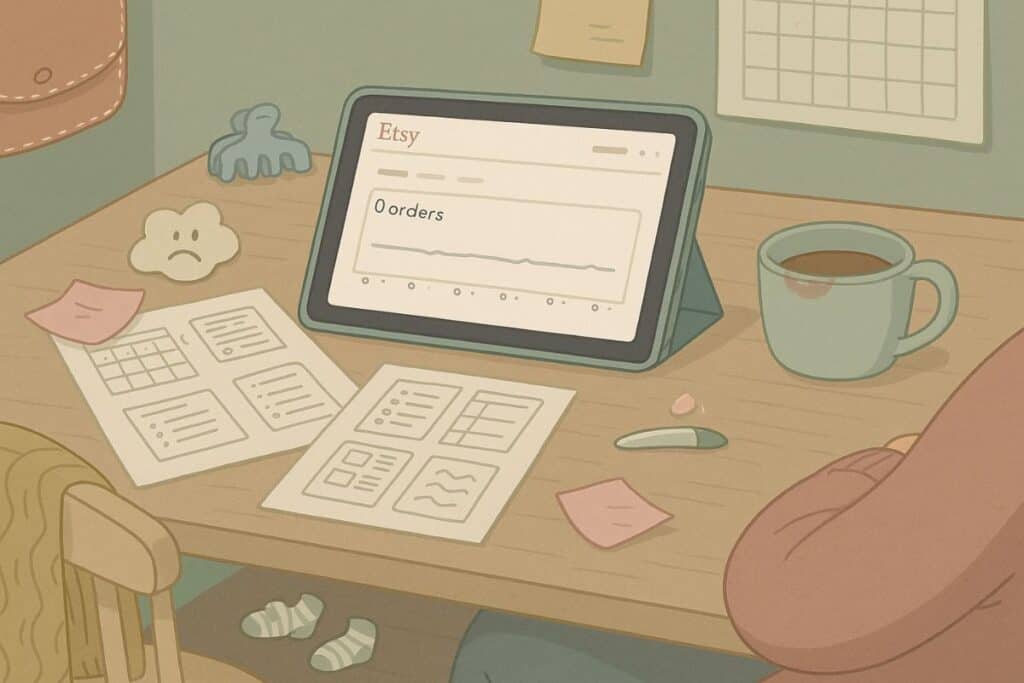
You open your Etsy stats, it shows “0 visits, 0 orders, 0 revenue,” and your brain immediately spirals. You think nobody likes your art. What is actually happening is that nobody can find your art.
Buyers are out there, actively typing things into the search bar. Your job is to match those words, not guess at them.
The Simple Fix: Let Etsy Tell You What People Want
You do not need fancy SEO tools. Take 10 calm minutes and let Etsy autocomplete do the heavy lifting.
Here is your quick mini routine:
- Type your product type into the search bar, like printable planner or wall art printable
- Watch the dropdown that appears
- Those phrases are real buyer searches, not random suggestions
Then, use those phrases in your listing:
- Add the most accurate phrase to your title
- Sprinkle a few into your description in normal sentences
- Use them in your tags, especially long-tail ones like daily printable planner or meal planner template
For example, if you named your product “Cozy Autumn Planner,” but search shows “daily printable planner” and “A4 daily planner printable,” you might change your title to:
Daily Printable Planner, Cozy Autumn Theme, A4 Digital Download
Still cute, but now findable.
If you want to nerd out more on how digital products work behind the scenes, the Etsy seller handbook on digital items is a solid place to sanity check your setup.
💖 Reminder: your goal is simple, be findable. Ask yourself, “What exact words would my buyer type when they are half awake, holding coffee, looking for this thing?”
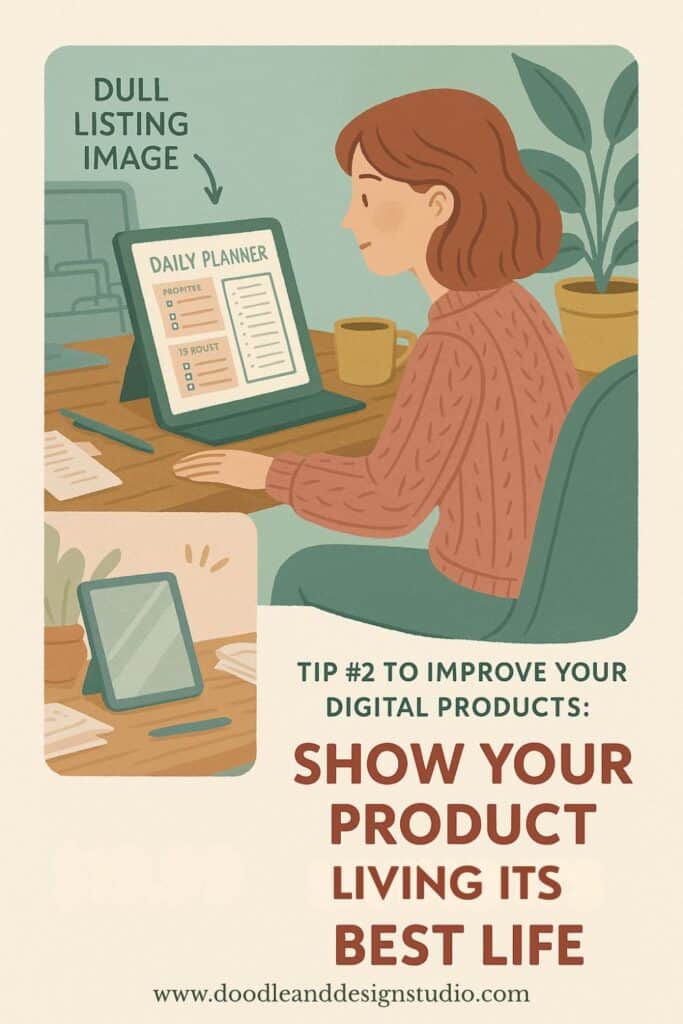
Reason 2: Your Listing Images Are Not Selling the Experience
The Problem
Your first photo is not just “a picture of your product.” It is a billboard. It decides, in half a second, whether a shopper clicks or scrolls past.
If your mockups are:
- Dark
- Cluttered
- Busy with too many elements
- Just a sad screenshot on a white background
People will skip right over you. Their brain reads it as work, not as “ooh that looks pretty and easy.”
The Fix: Show Your Product Living Its Best Life
You want your photos to feel like the digital version of a organization, cuteness overload, or snarky laughs, depending on your audience, of course.
Aim for:
- Bright, uncluttered mockups
- Clear focus on the product, not random props
- Enough context that someone can see themselves using it
A simple structure you can follow for your listing images:
- Slide 1: Product in use
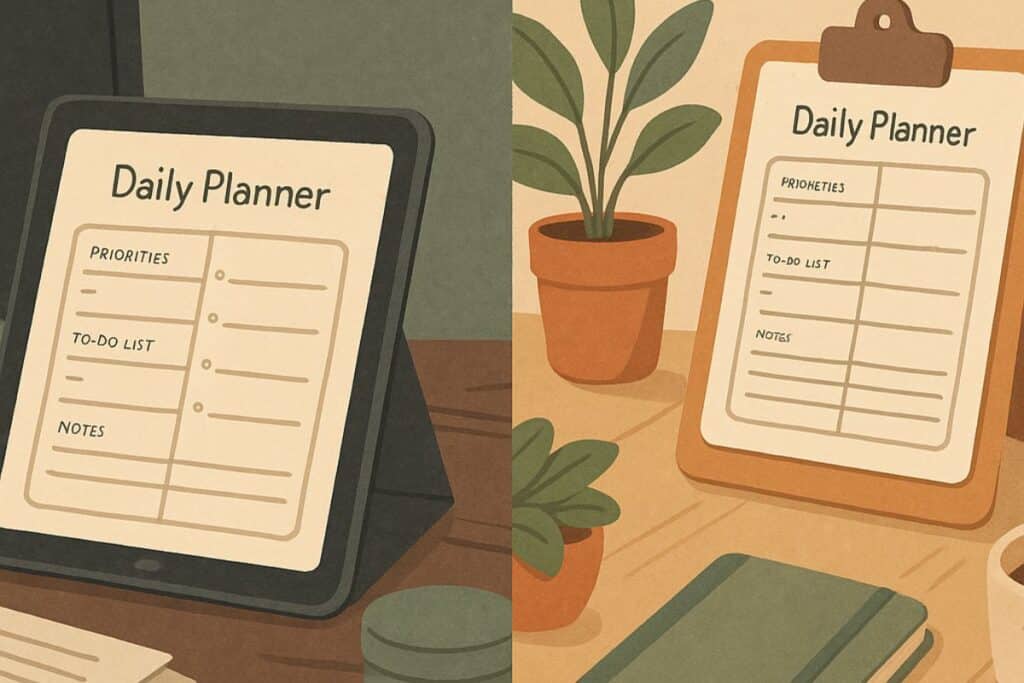
Show the digital planner on a tablet, the wall art above a desk, the printable in a clipboard on a cozy desk scene. This is your “is this for me?” moment. - Slide 2: What is included
Lay out the pages, color variations, or file types. Think “here is exactly what you get” so they do not have to guess. - Slide 3: Gift or print idea
Even if it is digital, show it printed and packaged as a gift, framed on a wall, or bundled with other pages. Give them that “oh, I could use this for my friend’s birthday” idea.
If you sell digital stickers, you can get extra inspiration from the Procreate Strawberry Sticker Tutorial for Beginners. It walks you through a full sticker build, and the same visual thinking helps when you design your mockups.
People buy because they can imagine your product in their life. Your images do that imagining for them.

Reason 3: Your Pricing Does Not Match the Perceived Value
The Problem
Weirdly enough, pricing your digital products too low can scare people away.
When a buyer sees “1,000 printable pages for $2,” their brain does not scream “great deal.” It screams, “this is probably low quality, or stolen, or a hot mess I do not have time to sort through.”
Rock-bottom pricing can read as “something is off here.”
The Fix: Price To Match Quality, Not Panic
You want your price to match:
- The effort you put into the design
- How polished your listing looks
- What similar, legit shops are charging
Some simple ways to raise perceived value without adding stress:
- Bundle related pages
Take a few quick pages that make sense together, like a daily planner, habit tracker, and notes page, and sell them as a set. - Add a tiny bonus
Maybe you include one extra color palette, a matching cover, or a mini guide on how to use the product. - Aim for the middle, not the bottom
Look at prices on page one of Etsy search for your product type. If you see a lot of $4 to $9 items, do not be the random $1 listing in a panic.
💖 Ask yourself this: are you more likely to trust a $7 printable set with clean photos, or a pack of “1,000 printables for $2” with sketchy images and chaotic titles? You are probably willing to pay $9 for something that looks like someone cared about it.
Pricing is you saying, “I value my work and your time.” Let your numbers match the quality of your product and your presentation. For a deeper dive into pricing strategy check out How to Price Your Digital Artwork, A No Stress Guide for Beginners
If you want to peek behind the curtain on how a real Etsy launch comes together, chaos and all, the Fall Etsy shop launch overview gives you a messy but honest look at listing, photos, and product decisions in action.
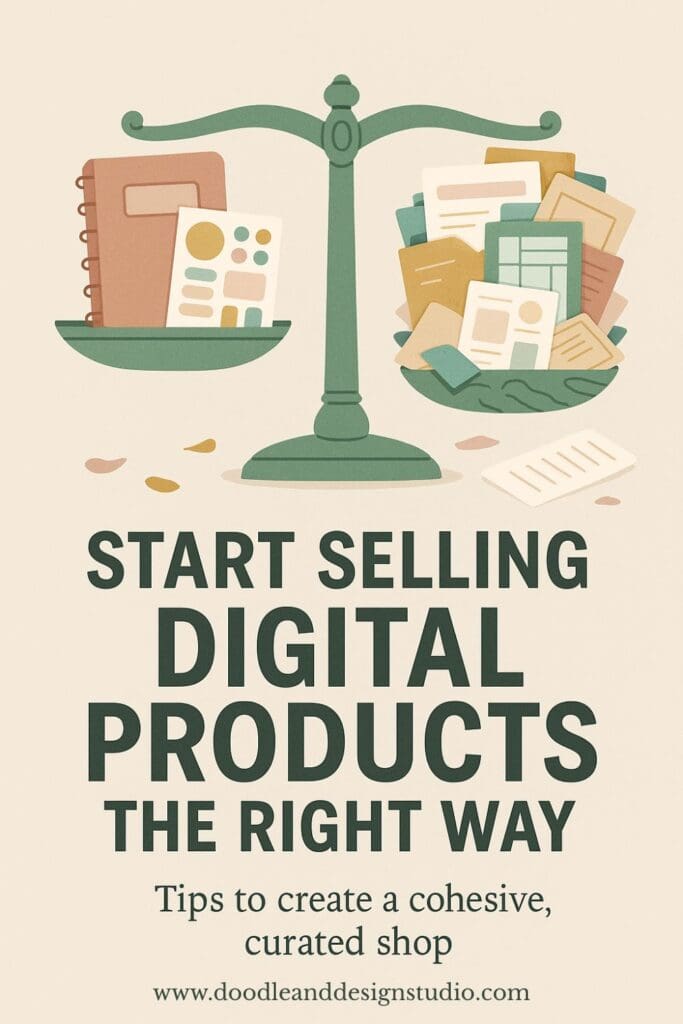
Reason 4: Your Shop Feels Empty Or Inconsistent
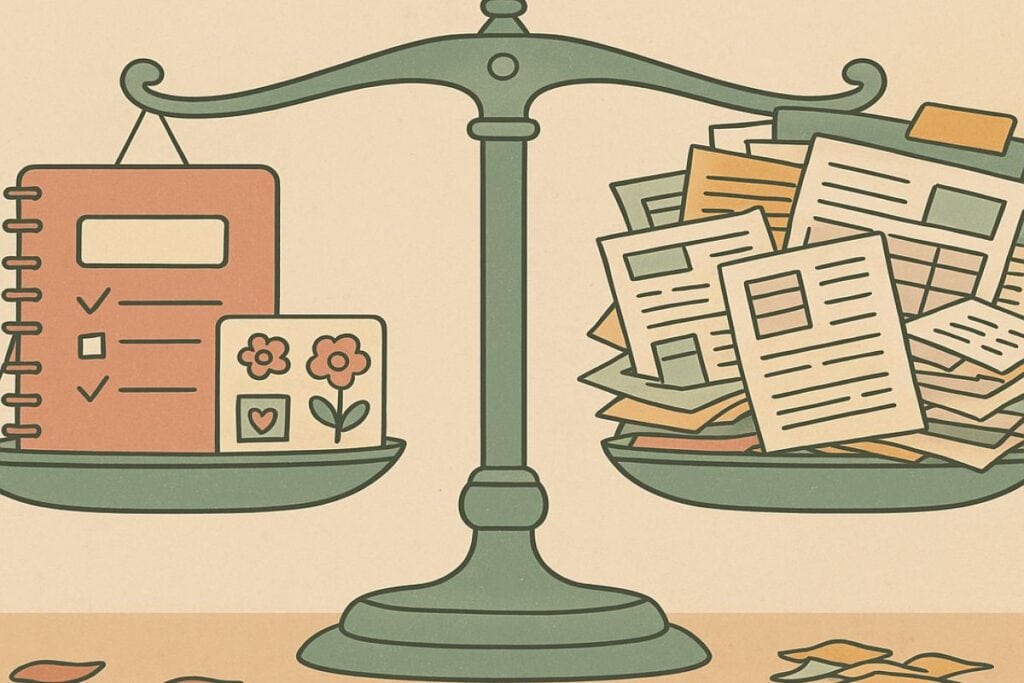
Imagine walking into a physical store that has two random bars of soap, one candle, and nothing else. You would assume it just opened, or it is closing forever.
Your Etsy shop feels the same way to buyers.
Shoppers like to feel like they are in a real store. That means:
- More than one or two listings
- Some sense of theme, style, or color story
- Repeated types of products they can mix and match
The Fix: Build A Small, Cohesive Collection
You do not need 100 listings tomorrow. You just need enough to feel “real.”
Start with:
- Aim for 5 to 10 listings
These can be small variations of the same core product. Different sizes, colors, or layouts all count. - Batch by theme, style, or color palette
Think like a mini collection. Cozy autumn planners, pastel self-care trackers, floral wall art. You want your shop page to look intentional, not random. - Then make another 10
Once you hit 5 to 10, repeat the process. Next theme, next color story, next variation.
This approach also helps your brain. Instead of “make 100 different things,” you are doing “make one good thing, then give it siblings.”
💖 Goal: build enough volume that buyers can browse, and search has multiple chances to show your products.

Reason 5: You Have Not Built A Traffic Habit Yet
You can have perfect titles, beautiful photos, and great prices, and still have low traffic at the beginning.
Search takes time to kick in. Etsy needs data. Pinterest needs pins. Your people need to see you more than once before they buy. It is annoying, but it is normal.
The Fix: Pick One Tiny, Repeatable Traffic Habit
Do not try to be on five platforms at once. Pick one to start and turn it into a habit.
Two great options for digital art and products:
- Pinterest for evergreen pins of your products, mockups, and process
- Instagram for reels, behind the scenes, and “here is what I just uploaded” posts
Your goal for now is not viral. Your goal is consistent.
You might:
- Post a few new pins to Pinterest three times a week
- Or post reels to Instagram two or three times a week showing your product in action
Once that feels normal, you can add another day, or add a second platform.
If you want inspiration and tutorials with this same “chaos but we are still doing it” energy, you can hang out on the Doodle and Design Studio YouTube channel. It is full of digital art content made for tired creative women who are juggling eighteen things but still want to draw and sell.
Reason 6: You Gave Up Too Soon
Here is the part nobody likes to hear.
Most new shops need 30 to 60 days of consistent listing and traffic work before anything much happens. Some sellers do not see steady, predictable sales until they hit 100 or more products.
You might get a random early sale. It is fun, but you cannot assume every listing will do that.
The quiet phase does not mean failure. It means “data is still loading.”
The Fix: Stay Active Long Enough To Be Found
Think of Etsy like a plant, not a microwave. You are growing something, not reheating leftovers.
Simple actions that matter:
- List at least one new product every week
Even if it is a variation or a small add-on. This signals that your shop is alive and growing. - Stay active on that one social channel you picked
If you decided on Pinterest, keep feeding it pins. If you picked Instagram, keep posting and reusing your best content.
Consistency gives Etsy, Pinterest, and your audience more chances to bump into you. It also grows your product library, which gives buyers more reasons to stay in your shop.
If you need help turning your doodles into real, sellable digital items in Procreate, the Procreate starter kit can give you a head start without adding to your mental chaos.
Reason 7: You Have Not Built Buyer Confidence Yet
When you are brand new, buyers do not know you. They are not sure if:
- You will deliver the files correctly
- The product will look as good as the photos
- You will respond if something breaks
That is not personal. It is just how online shopping works.
The Fix: Add Small Trust Cues Everywhere
You do not need a huge brand. You just need tiny signals that say “a real human runs this shop and cares.”
You can:
- Write a friendly shop bio in your own voice
- Add clear shop policies, refund info, and file delivery details
- Include a short thank you note inside your digital download, with tips for getting started and a reminder that they can message you if they get stuck
- Make sure and inclued FAQs some buyers are scared to ask and might pass you buy if something isn't obvious
These may feel small, but they stack up. A buyer who feels safe is way more likely to hit “add to cart.”
Tighten Things Up Without Burning It All Down
When your shop is quiet, it is tempting to delete everything and start over. Please do not.
Most of the time, you just need to:
- Adjust your titles, descriptions, and tags to target real search intent
- Clean up a few key mockups so they sell the experience
- Raise or adjust prices to match the value you are actually giving
- Add more listings so your shop feels full and intentional
- Stick with one simple traffic habit long enough to see results
- Sprinkle in trust cues so buyers feel good about choosing you
Your art is not the problem. Your shop just needs a little “tender loving care.”
You make one improvement, then another, then another, and over time, your shop becomes that “awesome” experience for your buyers, the place they can go that feels everything was hand-picked for them!
Find Your Next Profitable Digital Product Idea
If you are staring at a blank iPad screen thinking, “ok, but what should I even make next,” you do not have to guess.
Take the Find Your Next Art to Income Project Quiz and uncover a simple, sellable idea that fits your time, vibe, and creative energy, no experience or overthinking required.
You can grab it here: Free Profitable Project Quiz. You will also get a fast AI prompt you can use to plan themes, colors, and a full product idea around your result, so you are not just “making random cute stuff” and hoping for the best.
have you joined the art to income: create & Sell digital products facebook group?
If you’ve ever said, “I want to draw digitally, but I have no idea where to start,” this is your sign.
We learn Procreate tricks, share designs, celebrate tiny wins, and cheer each other on as we start selling what we make.
💕Join Us on Facebook✨
Stay Connected, Learn, And Sell Your Art
You do not have to figure this out alone, in silence, refreshing your stats.
You are exactly the kind of person who can draw on the couch at 10 pm, upload a listing, and slowly build a shop that pays you while you chase kids, wrangle life, and drink lukewarm coffee.
Your next sale is not magic, it is just the result of a few small changes and a little patience. Keep going, keep listing, keep learning, and let your digital products have the time and visibility they deserve.

🎨 Art to Income Membership
Turn your doodles into dollars — one simple, sellable project at a time.
If you're staring at Procreate wondering how people go from drawing frogs in sweaters to actually selling stuff — you're not alone.
This membership helps you go from “where do I even start?” to having a finished product ready to list.
Each month you’ll get:
💖 One guided project to create and list a finished product
💖 Done-for-you assets to speed things up
💖 Trend + keyword ideas so you know what people are actually buying
💖 A supportive group of artists figuring it out right alongside you
💖 Listing and promo ideas so your art doesn’t just sit in a folder
You don’t need to be techy, trained, or totally “together” — just curious enough to try.
🧩 Want Help Putting All the Pieces Together?
If you're figuring out how to turn your art into income and wish there was a big-picture roadmap to follow — good news, there is.
👉 Read the Ultimate Guide to Making Money with Digital Art🎥 Prefer to learn by watching?
I’ve got a YouTube channel full of quick, no-pressure tutorials made for tired, creative souls like you.
Subscribe here and catch your next creativity boost, one sticker at a time.
Love and messy buns,
❤️
Cynthia McDonald
Helping women find creativity in the chaos — with stickers, stationery, and a little bit of fun
This post may contain affiliate links. I may earn a commission if you make a purchase at no extra cost to you.
Make sure and grab your favorite Pinterest Pin and Save it to your Digital Art Pinterest Board