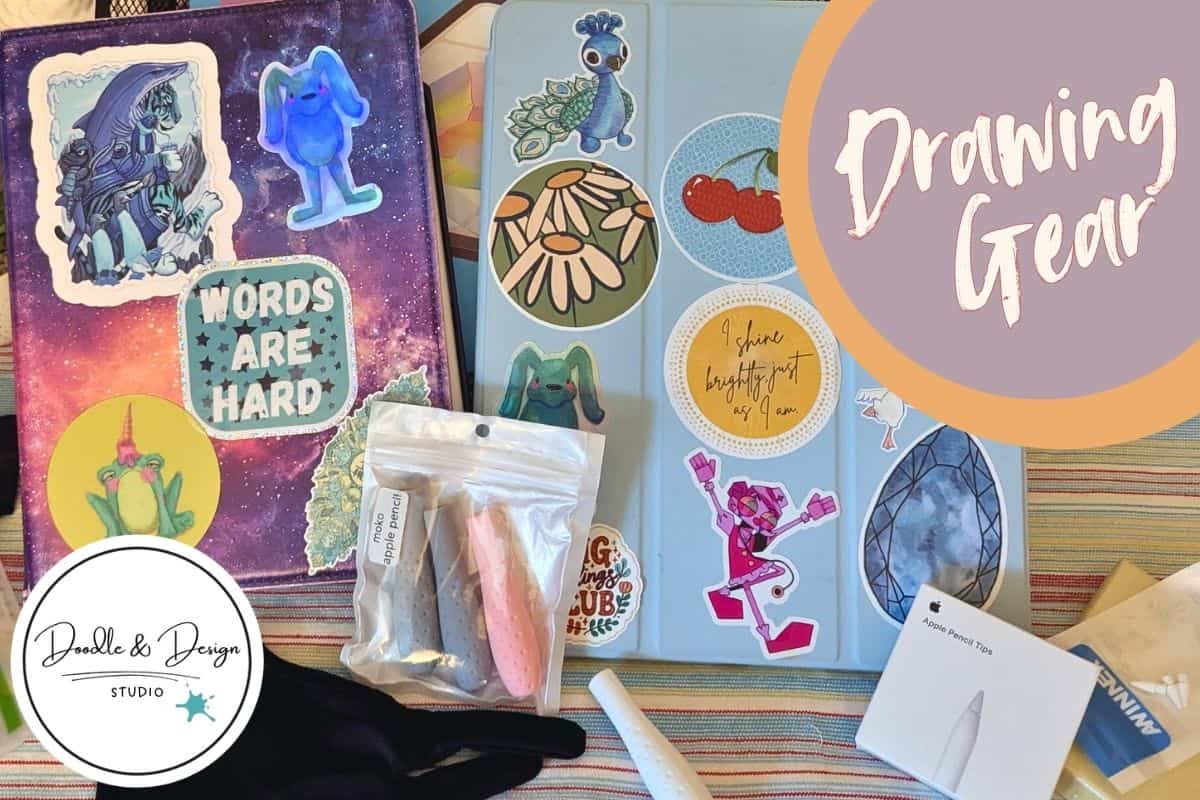
Equipment Used for Digital Art or Content Creation, Your Drawing and Filming Setup Resource List
You don’t need a huge studio to draw digitally, film content, and build digital products you can actually sell. You need a setup that feels easy to use, quick to reset, and comfortable enough to stick with on busy days.
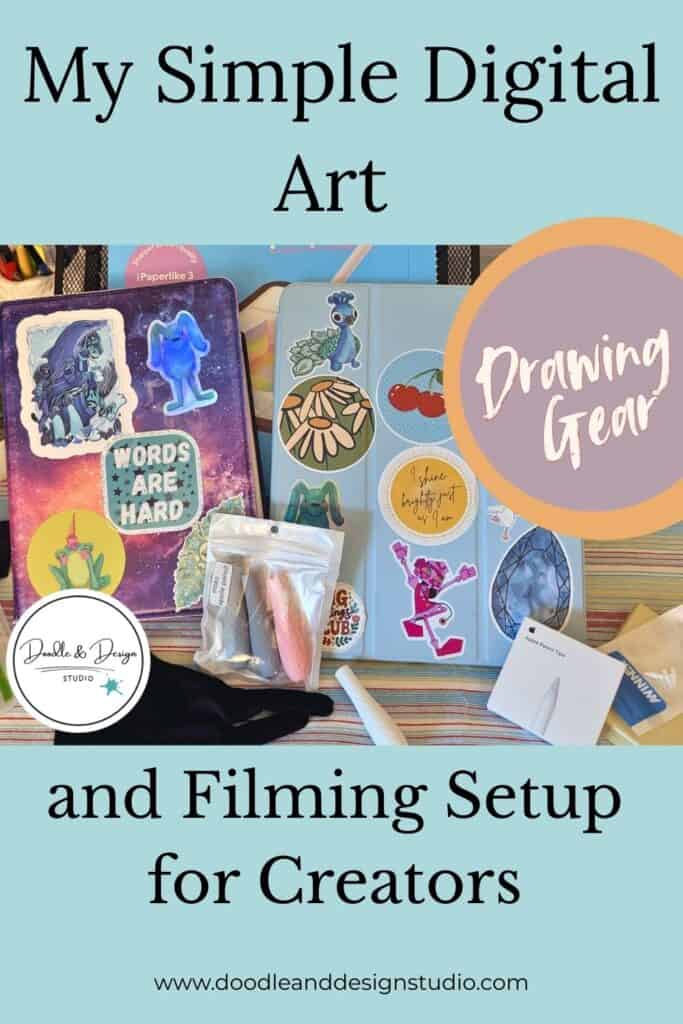
This is the exact gear I use in my drawing and filming workflow (Some links may be affiliate links, they help support the channel at no extra cost to you 💛) And yes, you can always see the gear in action on my YouTube channel.
If you’re also building stickers, printables, or digital downloads, these tools pair perfectly with the workflows in Essential Procreate tools for faster drawing and the more detailed Beginner’s guide to Procreate sticker design tools.
Table of Contents
🖥️ Digital Art Equipment list
iPad and Drawing Gear
1. iPad Stand
Link:iPad Stand
Your iPad stand is the thing that quietly makes everything smoother. It holds your screen at a better angle, keeps your posture from getting weird, and makes long drawing sessions feel more doable.
It also helps when you’re filming overhead, because your iPad stays steady while you work, which keeps your shots consistent for tutorials and process videos.
2. iPad Case
Link: iPad Case
Your iPad case is basic, but it matters. It protects your iPad during real life, like carrying it around the house, tossing it in a bag, or setting it down next to coffee you absolutely forgot about.
It also gives you a better grip, so you feel less like your iPad’s going to slide when you’re drawing fast.
3. Old iPad Case
Link: iPad Case OG
This is the case I have on my old iPad. I actually like it better because you can swivel it around, and it turns into a little easel-type case.
4. Budget Screen Protector
I cannot draw on an iPad without a screen protector, it makes it feel like a sketchbook, not slippery glass!
A budget screen protector is a solid choice when you want basic protection without a baller budget. It keeps scratches and little scuffs from building up over time, especially if you draw daily.
It also helps you feel more relaxed about actually using your iPad, not treating it like a fragile museum piece.
5. Paperlike
Link: Paperlike Screen Protector
Paperlike is the all-around MVP. She is like a dream. I did by the budget option above this time around just to see and I did rip her off in favor of my beloved Paperlike.

If you’re overwhelmed, start here: Free Digital Drawing Guide
If Procreate still makes your brain glitch, and because it has cute drawing prompts, grab this: Digital Drawing without the Overwhelm. You’ll focus on a few simple tools, small finishable pieces, and building confidence without pressure.
6. Apple Pencil Nibs
Link: Apple Pencil Nibs
Eventually, you will need to replace the nibs on your Apple Pencil; they wearout over time. How long they last can depend on how often you draw, how much pressure you apply to the pencils, and whether you are using a screen protector. These can all lessen the life of your nibs at varying rates.
Apple Nibs are, of course, the nibs made for the pencil, and according to legend, they last longer than the cheaper knock-offs listed below. I have yet to remember to track either nibs; I have used both. Maybe one day I will remember to actually test!
7. Budget Alt Nibs
Link: Budget Nibs
Budget nibs are the practical backup. You get extra options on hand, and you can swap them in when you’re burning through nibs during heavy sketch seasons.
This is especially helpful when you’re doing a lot of repetitive drawing for product collections, like sticker packs, icons, or planner elements.
8. Pencil Grips
Link: Pencil Grips
Pencil grips make your Apple Pencil easier to hold, especially if you grip tightly when you focus. They can help your hand feel less tired during longer drawing sessions and reduce that cramped feeling after lots of outlining.
They’re also useful when you film, because you’re often drawing a bit slower and more controlled, and comfort helps you stay steady.
9. Drawing Glove
Link: Drawing Gloves
A drawing glove keeps your hand from sticking to the screen, and it can cut down on smudges while you work. That makes your lines feel smoother, especially when you’re doing bigger strokes or moving your hand across the canvas a lot.
It also helps when you’re recording close up shots, since the screen looks cleaner on camera.
If you’re building stickers and want a simple workflow that stays clean from sketch to export, this pairs well with Procreate sticker making tips for beginners.
have you joined the art to income: create & Sell digital products facebook group?
If you’ve ever said, “I want to draw digitally, but I have no idea where to start,” this is your sign.
We learn Procreate tricks, share designs, celebrate tiny wins, and cheer each other on as we start selling what we make.
💕Join Us on Facebook✨
Creating and Filming Equipment
10. Mic
Link: Microphone
Your mic is one of those tools that instantly makes content feel more watchable. Clear audio keeps people focused on what you’re teaching, not on background noise or muffled sound.
If you’re sharing tutorials, product process videos, or shop updates, good audio helps your channel feel consistent, even when you film in different rooms.
11. USB Card Reader
Link: USB Card Reader
A USB card reader makes file transfers less annoying. You can move footage and photos faster, which matters when you’re juggling filming, editing, listing products, and still trying to live your life.
It also keeps your workflow flexible, so you can offload content without relying on wireless transfers that love to fail at the worst time.
12. Microphone Patch Cable
Link: Microphone Patch Cable
A patch cable was necessary when I wanted to connect my camera mic below to my phone.
13. Camera Mic
Link:Camera Mic
A camera mic is great when you want better sound directly into your camera, especially for real time filming setups. It’s a simple way to upgrade audio without adding extra steps in editing.
This matters a lot when you’re filming overhead art videos, studio vlogs, or anything where your hands are busy and you want your voice to stay clear.
14. Overhead Camera Mount
Link:Camera Mount
An overhead camera mount is the backbone of art filming. It gives you that top down view people love for tutorials, sketch with me videos, and product demos.
It also keeps your frame consistent, so your audience always knows what they’re looking at, which makes your content easier to follow.
15. Memory Card
Link: Memory Card
A reliable memory card gives you room to film without stopping every ten minutes. That’s huge when you’re recording longer tutorials, voiceovers, or full product creation from start to finish.
It also helps you batch content, which makes it easier to stay consistent when you’re also managing a shop.
16. Mount Adapter
Link: Mount Adapter
A mount adapter solves the little mismatch problems that pop up with cameras, tripods, and overhead rigs. It gives you flexibility to connect what you already own, instead of buying a whole new setup.
It also makes your filming gear feel more modular, so you can adjust angles and switch equipment fast.
17. LED Light
Link: Light
LED lighting keeps your colors looking accurate and your footage looking clean. It’s especially helpful for digital art content because screens can reflect weird lighting and shift tones if the room light is off. This one is just a little one that attaches to your phone, fun fact its evidently also great for filming makeup tutorials!
18. Tripod
Link: Tripod
A tripod gives you stability, plain and simple. You can use it for talking head videos, workspace shots, packing orders, or filming art from a side angle.
It also makes it easier to film solo, because you can set your camera once, then focus on creating.
19. Quick Release Tripod Plate
Link: Quick Release Plate
A quick-release tripod plate saves time when you’re switching from overhead to front-facing shots. You can pop your camera on and off fast, which keeps your filming sessions flowing.
It’s also great when you’re cleaning up, moving rooms, or storing gear between shoots.
20. Dummy Battery
Link: Dummy Battery
A dummy battery helps during long filming sessions, especially for tutorials where you don’t want your camera to die mid-sentence. It keeps your setup running longer and makes your filming feel more predictable.
This setup covers the core tools you use to draw digitally, film content, and keep your workflow moving without constant resets. It’s a practical mix of comfort items, stability gear, and filming basics that support the kind of steady output you need when you’re creating art you plan to sell. This list will grow and adapt as this journey continues! If you have any great finds, let us know in the comments below!
If you want more support around what to create and how to turn it into sellable designs, check out these learning resources Comprehensive guide to designing stickers in Procreate and 10 minute guide to creating a digital sticker in Procreate. If you’re branching into printables beyond stickers, you’ll also like Create custom notebook covers with Procreate.

🎨 Art to Income Membership
Turn your doodles into dollars — one simple, sellable project at a time.
If you're staring at Procreate wondering how people go from drawing frogs in sweaters to actually selling stuff — you're not alone.
This membership helps you go from “where do I even start?” to having a finished product ready to list.
Each month you’ll get:
💖 One guided project to create and list a finished product
💖 Done-for-you assets to speed things up
💖 Trend + keyword ideas so you know what people are actually buying
💖 A supportive group of artists figuring it out right alongside you
💖 Listing and promo ideas so your art doesn’t just sit in a folder
You don’t need to be techy, trained, or totally “together” — just curious enough to try.
🎥 Prefer to learn by watching?
I’ve got a YouTube channel full of quick, no-pressure tutorials made for tired, creative souls like you.
Subscribe here and catch your next creativity boost, one sticker at a time.
Love and messy buns,
❤️
Cynthia McDonald
Helping women find creativity in the chaos — with stickers, stationery, and a little bit of fun
This post may contain affiliate links. I may earn a commission if you make a purchase at no extra cost to you.
Make sure and grab your favorite Pinterest Pin and Save it to your Digital Art Pinterest Board