Prevent Burnout in Digital Drawing With a Practice Plan That Sticks
You know the cycle. You feel motivated, you open Procreate, you draw for a bit… then everything looks wrong, your brain gets mean, and you “take a break” that somehow turns into two weeks.
What you need is practice that actually sticks without burning out, the kind that fits into real life and still helps you improve. Not five hour sessions. Not pressure. Not turning your iPad into a place you avoid.
Below is a simple setup you can rotate through, so you build skills, finish pieces, and keep drawing fun. Bonus, it also helps if you want to sell your art later, because your practice can quietly become your product idea stash.
- Burnout happens when practice feels overwhelming or undefined.
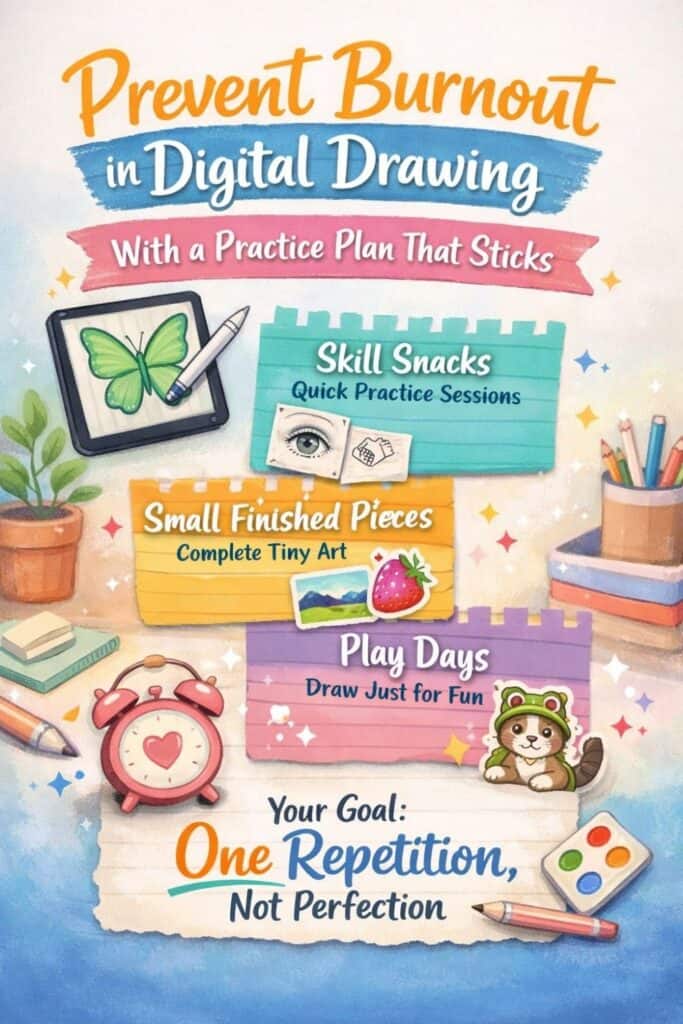
- Rotate between skill snacks, small finished pieces, and play days.
- Set time limits and create a default setup to reduce friction.
- Your goal is one repetition, not a masterpiece.
Table of Contents
Redefine practice so it doesn’t eat your life
A lot of burnout comes from one big assumption: practice has to be long, serious, and impressive. That idea sounds productive, but it usually turns drawing into a test you feel like you’re failing.
Practice can be tiny. Practice can be messy. Practice can be five minutes while your coffee gets cold.
If you only have time for bite size drawing, it still counts, and it counts a lot. The point is repetition, not performance. You are teaching your hand and your eye, and they learn through reps, even the imperfect ones.
Another sneaky trap is thinking you have to “earn” drawing time by finishing everything else first. That never works, because everything else is endless. Laundry, emails, dishes, work, life stuff, it all refills itself like a magical to do list hydra.
So you’re switching your goal.
Your new mini rule is: My goal is not a masterpiece. My goal is one repetition.
One repetition might be a single messy sketch. A quick color try. One simple study. One tiny piece you actually finish. When you let that be enough, you stop quitting mid session because it “isn’t good yet.” You’re not trying to prove you’re an artist today. You’re just showing up for one rep.
And once you accept small practice as real practice, you can build a plan that keeps you improving without wrecking your energy.
The three lane practice plan that helps you improve and stay human
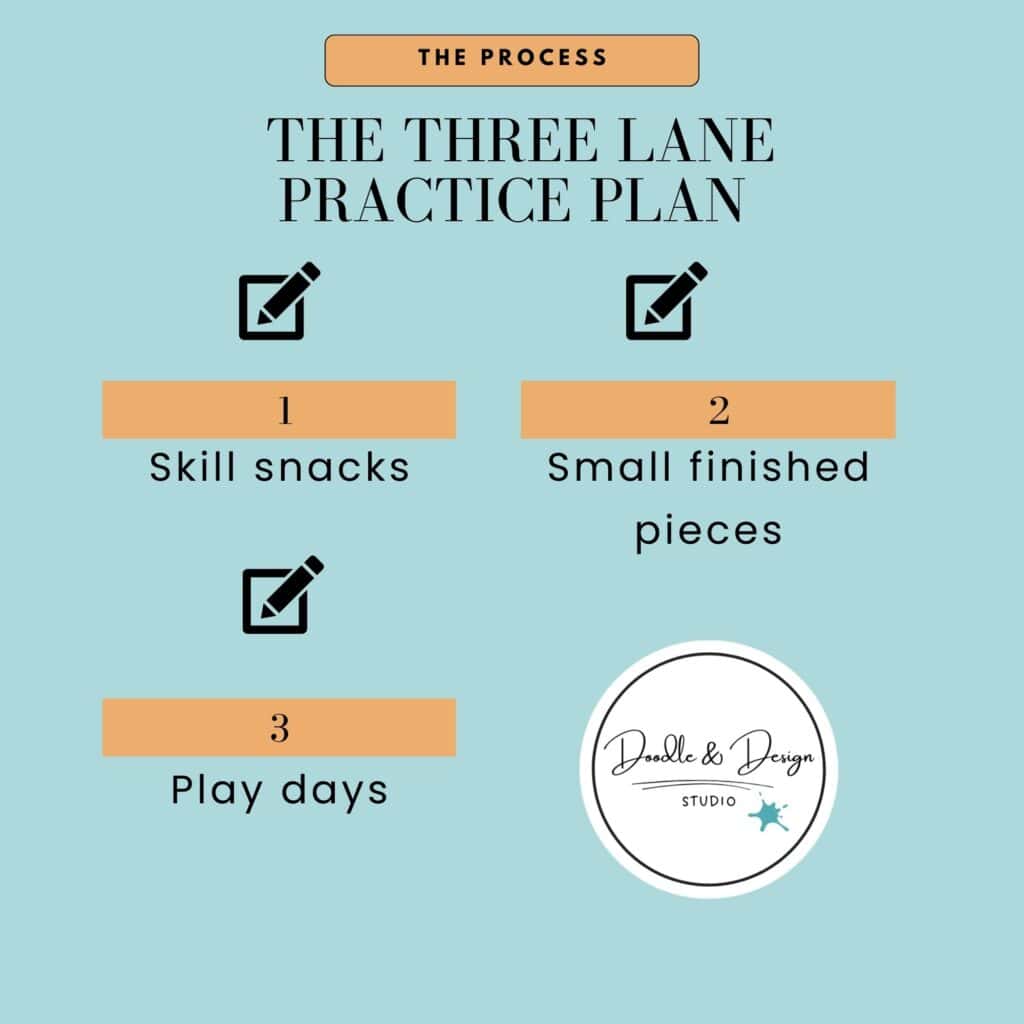
Instead of doing the same kind of session every time (and burning out the moment life gets busy), you rotate between three lanes. Each lane scratches a different itch: skill building, finishing, and pure fun.
Here’s the plan:
- Skill snacks
- Small finished pieces
- Play days
When you rotate, you stop feeling like every drawing has to do everything. A skill snack does not need to become a portfolio piece. A play day does not need to “count” as progress. A small finished piece does not need a background, perfect shading, and twelve characters processing their emotions.
If you want a related practice approach that also speeds up improvement, check out these tips to repeat subjects to speed up progress. Repetition is a quiet confidence builder, and it makes your growth easier to see.
Skill snacks (5 to 15 minutes)
Skill snacks are short on purpose. You pick one skill, you keep it simple, you do it fast, and you stop early.
This matters because a lot of burnout starts when “practice” becomes vague. Vague practice turns into wandering, wandering turns into overthinking, and overthinking turns into hating everything.
A skill snack is more like a small bite, not a full meal. You are not trying to learn the whole face, you are trying to learn one piece.
A few examples that keep it doable:
- If you’re practicing hands, start with mitten hands, not realistic fingers.
- If you want to do portraits, try an eye study, not the whole head.
- If you want to get better at color, do a three color palette, not nine colors.
Keep it messy. Keep it quick. Your job is to get the rep in, not to make it pretty.
This kind of work builds muscle memory and control without draining you. One more tip that helps: pick a single brush and stick with it during skill snacks. When you stop switching tools every two minutes, you stop resetting your brain every two minutes.
Small finished pieces (20 to 45 minutes)
This lane is where your confidence grows, because you finish things. Not huge things, just finished things.
A small finished piece is not a full illustration with a detailed background and a million decisions. It’s a contained idea with clear limits. Think “small expectations, big happyies.”
Good options for this lane:
- One sticker style doodle
- A simple icon set, hearts, stars, cozy flowers
- A character bust with a simple palette
- A tiny postcard scene using two values and three colors
Notice what’s happening here. You’re still practicing, but you’re also collecting proof that you can complete work. Your brain needs that proof, especially if you want to sell digital products later. Finished pieces become assets, they become listings, they become bundles, and they become style references for your next set.
If you ever feel like your finished pieces look flat, muddy, or just kind of “blah,” you don’t need more talent, you need a few simple fixes. This guide on common digital art mistakes to avoid is helpful when your colors and values start fighting you.
Keep this lane friendly. Small does not mean pointless. Small means finishable, and finishable means repeatable.
Play days (5 to 30 minutes)
Play days are your protection plan. This is what keeps you from quitting.
On a play day, you draw what you want, how you want, for as long as you want within the time limit you set. You can use weird colors. You can draw a silly cat. You can finally draw that subject you keep thinking about while you’re supposed to be doing “serious practice.”
Play matters because your nervous system is part of your art practice. If drawing only feels like work, your body starts resisting it. If drawing still has a place where it feels like a treat, you come back.
Play days also give you a low pressure space to experiment with style. That matters if you sell digital products, because style comes from trying things, not from thinking about trying things.
If you want structure without losing the fun, you can keep play contained by choosing one tiny prompt, one brush, and one simple palette, then letting yourself go wild inside that small box.

If you’re overwhelmed, start here: Free Digital Drawing Guide
If Procreate still makes your brain glitch, and because it has cute drawing prompts, grab this: Digital Drawing without the Overwhelm. You’ll focus on a few simple tools, small finishable pieces, and building confidence without pressure.
Set limits that protect your brain and your wrist
Burnout is not always a motivation problem. Sometimes it’s your body and your nervous system saying, Girl, stop. I need rest.
So you need limits that keep practice safe.
A timer helps, but not as a pressure tool. It’s there to save you from spiraling. When the timer ends, you stop, even if you think you “should” keep going. Stopping on purpose is how you teach your brain that drawing is a normal thing you can return to tomorrow.
Pay attention to your personal stop signs:
- When you start zooming in to a ridiculous level and suddenly you hate pixels
- When you start rewriting the same line over and over
- When you feel wrist pain, shoulder pain, or hand cramping
- When you notice your thoughts turning harsh and all or nothing
Another helpful rule is to end on the next doable step, not the final step. If you know what you’ll do next time (ink the sketch, pick the three colors, add shadows), you’ll come back faster. You won’t have to restart from zero.
If you want more general burnout reminders from a creative tool company perspective, Wacom has a solid overview in their guide to beating creative burnout. The big theme is the same: your pace matters, and rest is part of staying consistent.
Build a default setup so you can start fast (and stop scrolling)
A surprising amount of drawing burnout is decision fatigue. You finally get a pocket of time, and then you spend it picking canvas settings, brushes, and what you should even draw.
So you create defaults.
Start with a canvas template you can reuse. Then choose a small brush set you use for most sessions:
- One sketch brush
- One line art brush
- One coloring or shading brush
- One optional brush for highlights or texture
Keep them in a folder so you’re not hunting. Boom, you’re there.
This is a lot like choosing a simple ingredient list for a handmade product. When you focus on a few reliable “best ingredients,” you get consistent results without overcomplicating the process. Your tools do not need to be fancy, they need to be familiar.
Next, prep your references before you draw. If you only do one thing to save time, do this. Otherwise your practice session turns into: 15 to 30 minutes later, still scrolling.
Unsplash is a common place to grab images you can use as inspiration, and you can start with a search like reference photo options on Unsplash. Save what you like into a folder on your phone or desktop, so when you sit down to draw you already have options.
If Procreate still feels like too many buttons, having a calm, repeatable workflow helps a lot. This guide to Procreate basics for beginners focuses on the few tools you actually need so you can draw more and tweak less.
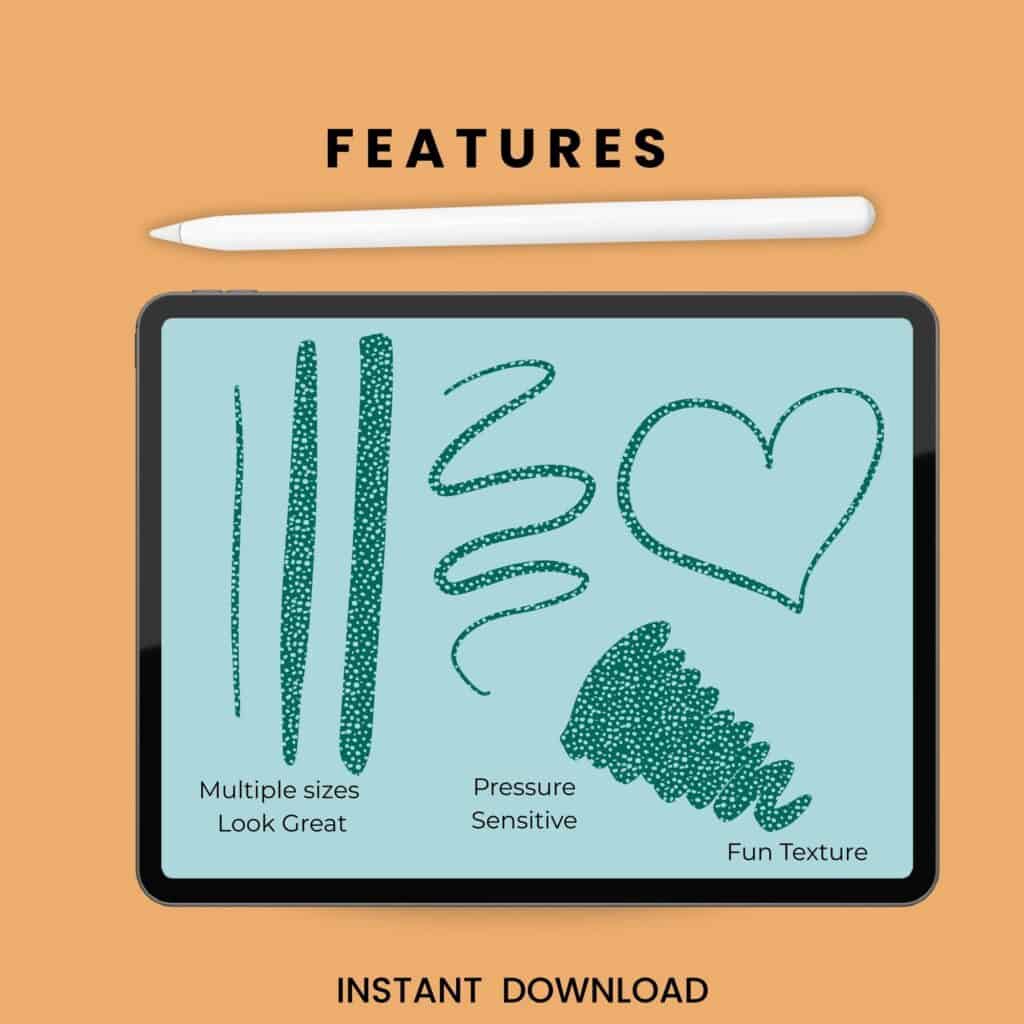
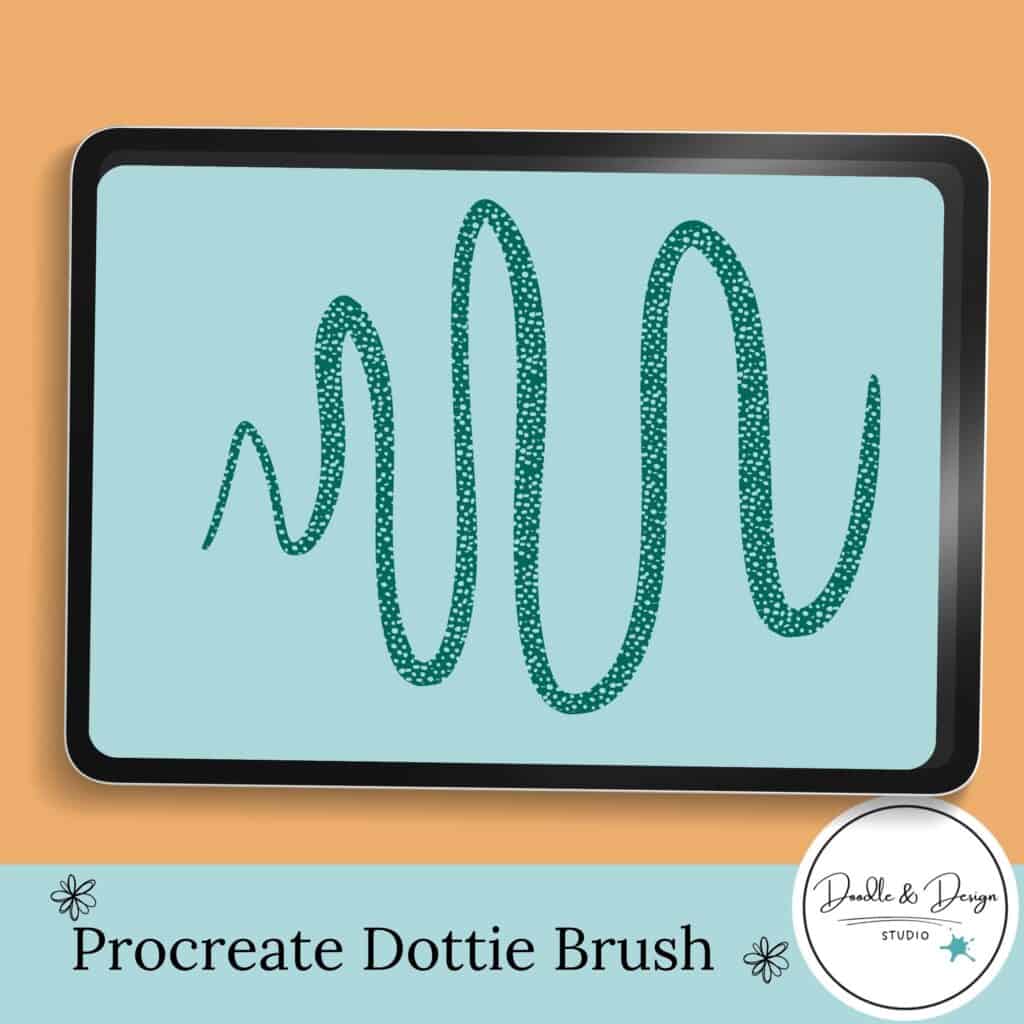
If you would like to snag the fun lettering brush, Dottie, featured in these images, you can grab your own copy right here! This brush was hand-drawn in a fun pattern by me.
have you joined the art to income: create & Sell digital products facebook group?
If you’ve ever said, “I want to draw digitally, but I have no idea where to start,” this is your sign.
We learn Procreate tricks, share designs, celebrate tiny wins, and cheer each other on as we start selling what we make.
💕Join Us on Facebook✨
Let your practice quietly build future products (without pressure)
If you want to sell digital products eventually, you don’t have to wait until you feel “ready.” You can let your practice do double duty.
Think of your practice folder as a product idea vault. You’re not forcing yourself to sell today, you’re collecting proof that you can make consistent work in a consistent style.
Simple practice prompts that can turn into products later:
- Draw 10 mini sticker themes
- Draw 6 matching icons for a digital planner
- Make 12 small doodles that could become clip art elements
When you work this way, you’re not just improving, you’re building a library. Over time, you’ll notice which themes feel easy for you, which palettes you repeat, and which ideas could become a set.
And when life happens and you miss days (because you will), you don’t restart your whole identity on Monday. You just reenter with a small task. A five minute skill snack is perfect for this. It’s the creative version of stretching instead of running a marathon.
A simple weekly schedule you can actually stick to
You don’t need daily drawing to make progress. You need repeatable drawing.
Here’s a weekly rhythm that keeps things moving without melting your brain:
| Day | Plan |
|---|---|
| Day 1 | Skill snack |
| Day 2 | Skill snack |
| Day 3 | Small finished piece |
| Day 4 | Small finished piece |
| Day 5 | Play day |
| Day 6 | Day off |
| Day 7 | Day off |
Adjust the days however you want. The point is the mix, not perfection.
Keep sessions short, rotate between different types of practice, and set a time limit. Your goal is one repetition, not perfection.
You do not need daily marathon sessions. Three to five short sessions per week is enough to see steady improvement.
A skill snack is a 5 to 15 minute focused practice session where you work on one small skill, like eyes, hands, or color palettes.
Yes. Repeated small pieces can become sticker sheets, icon packs, planner elements, or clip art collections over time.
If you want extra support and prompts, you can start with the beginner guide for starting digital drawing without overwhelm. When you’re ready for step by step lessons, Digital Doodles beginner drawing course is built to keep things calm and finishable. If you want ongoing structure, prompts, and feedback, the Art to Income Membership gives you a reason to keep showing up.
And if you’re also collecting tools for your business side, you can browse digital tools and resources on Etsy.
Burnout happens when your drawing life asks for more than you can give. The fix is not grinding harder, it’s building a plan that makes practice small, doable, and worth returning to.
Keep the mini rule close: your goal is not a masterpiece, your goal is one repetition. Rotate your three lanes, protect your body with limits, and remove friction with a default setup. Then let your practice quietly become proof — proof you can improve, proof you can finish, and proof you can build art that sells later.
🎥 Prefer to learn by watching?
I’ve got a YouTube channel full of quick, no-pressure tutorials made for tired, creative souls like you.
Subscribe here and catch your next creativity boost, one sticker at a time.
Love and messy buns,
❤️
Cynthia McDonald
Helping women find creativity in the chaos — with stickers, stationery, and a little bit of fun
This post may contain affiliate links. I may earn a commission if you make a purchase at no extra cost to you.
Make sure and grab your favorite Pinterest Pin and Save it to your Digital Art Pinterest Board

🎨 Art to Income Membership
Turn your doodles into dollars — one simple, sellable project at a time.
If you're staring at Procreate wondering how people go from drawing frogs in sweaters to actually selling stuff — you're not alone.
This membership helps you go from “where do I even start?” to having a finished product ready to list.
Each month you’ll get:
💖 One guided project to create and list a finished product
💖 Done-for-you assets to speed things up
💖 Trend + keyword ideas so you know what people are actually buying
💖 A supportive group of artists figuring it out right alongside you
💖 Listing and promo ideas so your art doesn’t just sit in a folder
You don’t need to be techy, trained, or totally “together” — just curious enough to try.